Disabling voting
Introduction
Section titled “Introduction”We don’t get asked about this issue much. The voting functionality is one of our most popular features. However, there are some use cases where you may want to disable voting, usually on a temporary basis.
- You want to first collect suggestions and then allow voting from a specific date
- You want voting to happen during a specific event, such as a conference. Until you are ready to accept votes, you want the voting disabled.
How to disable voting
Section titled “How to disable voting”To disable voting on suggestions:
Go to your Feature Upvote dashboard and click on ‘Settings’.

Click on ‘Permissions’
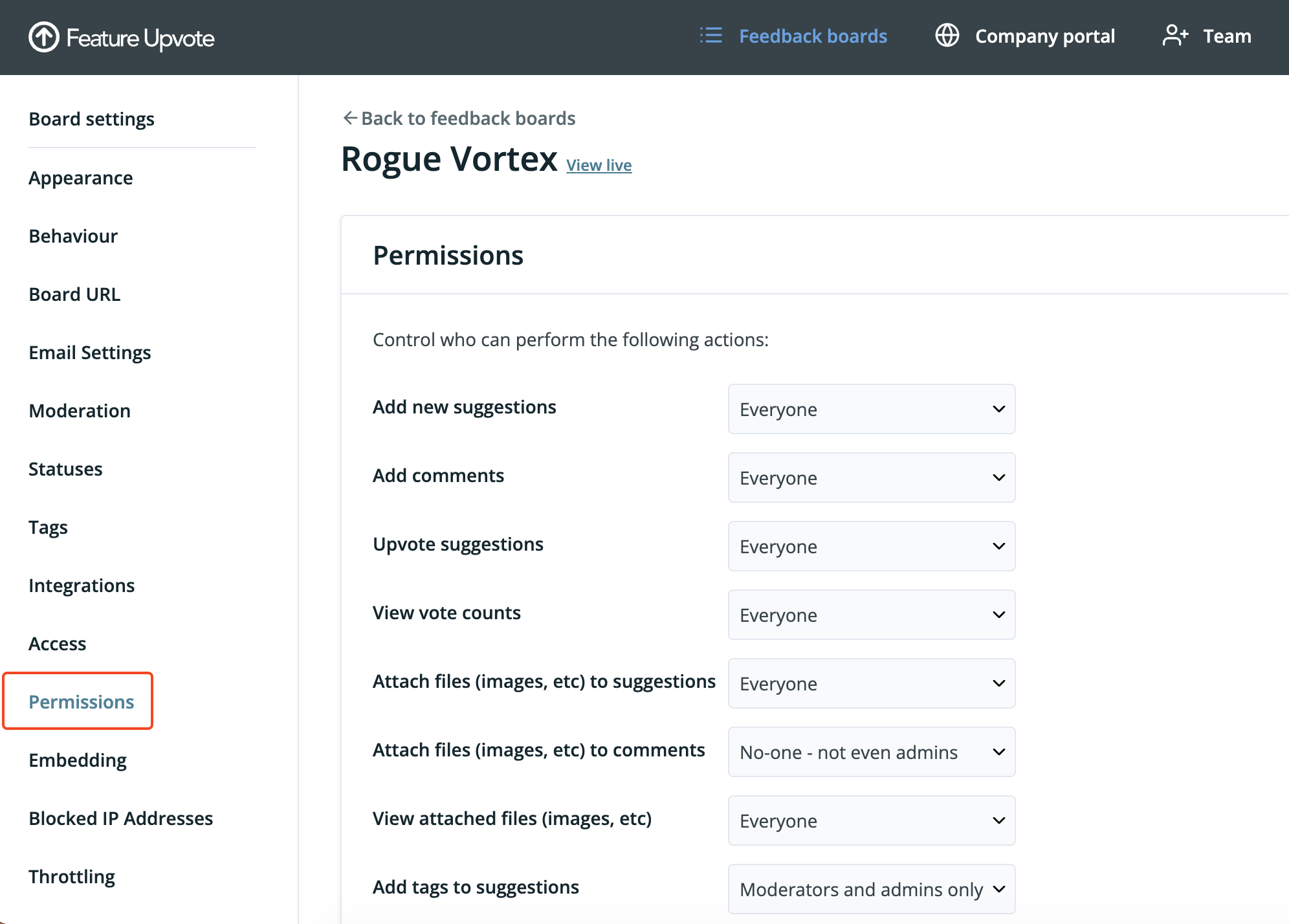
Set ‘Upvote suggestions’ to ‘No-one-not even admins’
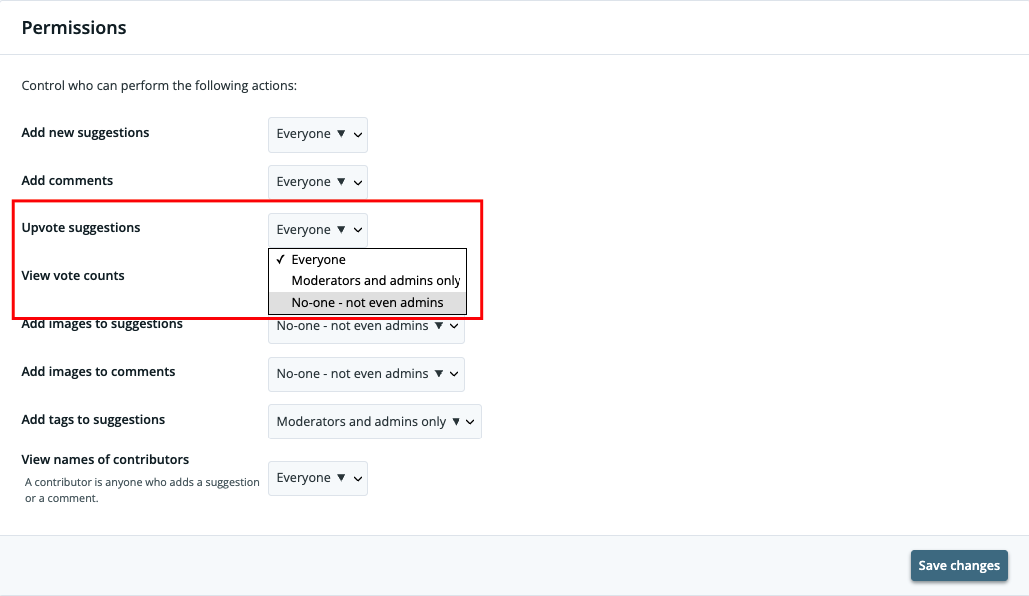
Click ‘Save’.
Now your users will not be able to vote.