Set a default filter for your feedback board
Introduction
Section titled “Introduction”Normally first time visitors see a list of all your suggestions, no matter what the status.
You might want to initially hide suggestions that are “done” or only show suggestions that are “planned”.
How to set the default filter
Section titled “How to set the default filter”Go to your dashboard. Select ‘Settings’.

Then to the ‘Behaviour’ tab.
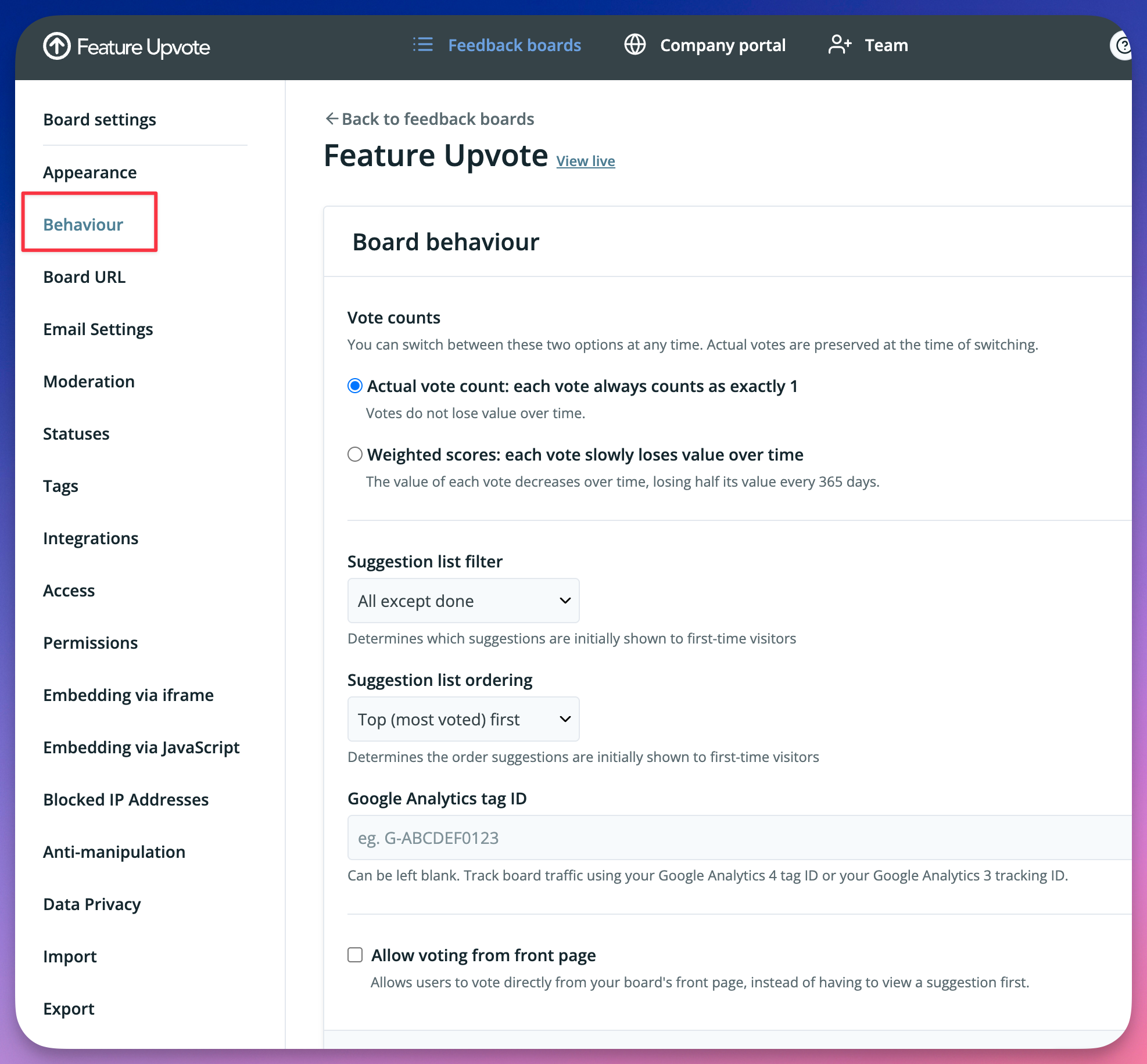
From the “Suggestion list filter” drop-down list, choose which suggestions first-time visitors can see.
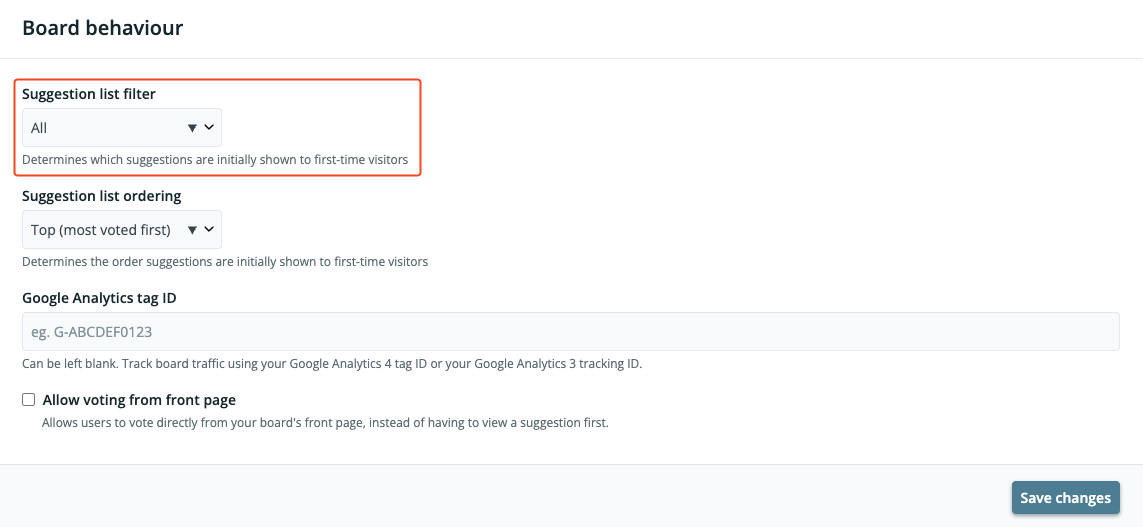
Click ‘Save changes’.
Note that site visitors can still change the filter to see other suggestions. This filter doesn’t hide suggestions completely, but prevents them from being what your customers see by default.
The Behaviour tab also lets you choose how votes are counted. See Weighted scores: letting older votes count for less.