Controlling who can post and vote using permissions
Introduction
Section titled “Introduction”You can control how customers and your team use your board in a number of ways. This is to support certain use cases:
- You want customers or team members to vote on specific ideas rather than add their own
- You want to show customers what you are working on but don’t want them to contribute to the board directly
- You only want moderators to be able to add comments to feedback rather than everyone
- You want to hide the vote counts so that they don’t influence others
What you can control using permissions
Section titled “What you can control using permissions”Feature Upvote allows you to control actions:
- Who can add suggestions
- Who can add comments
- Who can upvote suggestions
- Who can see the vote counts
- Who can attach files (images, etc) to suggestions
- Who can attach files (images, etc) to comments
- Who can add tags to suggestions
- Who can view the names of contributors
In each case, you can give permission to
- Everyone (the default)
- Moderators and admins only
- No-one - Not even admins
How you can make changes
Section titled “How you can make changes”Go to your Feature Upvote dashboard.
Select ‘Settings’ from your dashboard.

Select ‘Permissions’
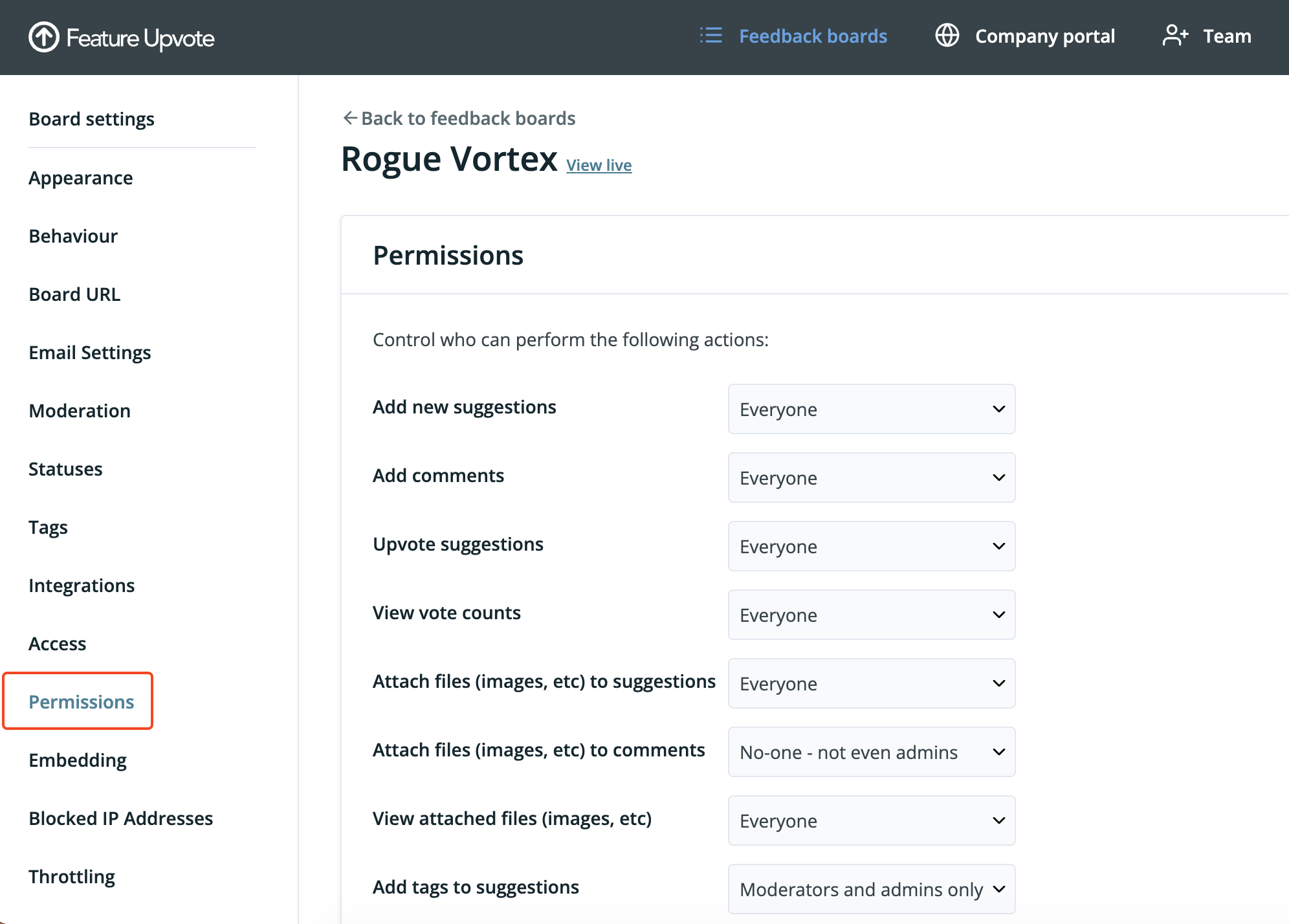
Configure Feature Upvote to suit your requirements.
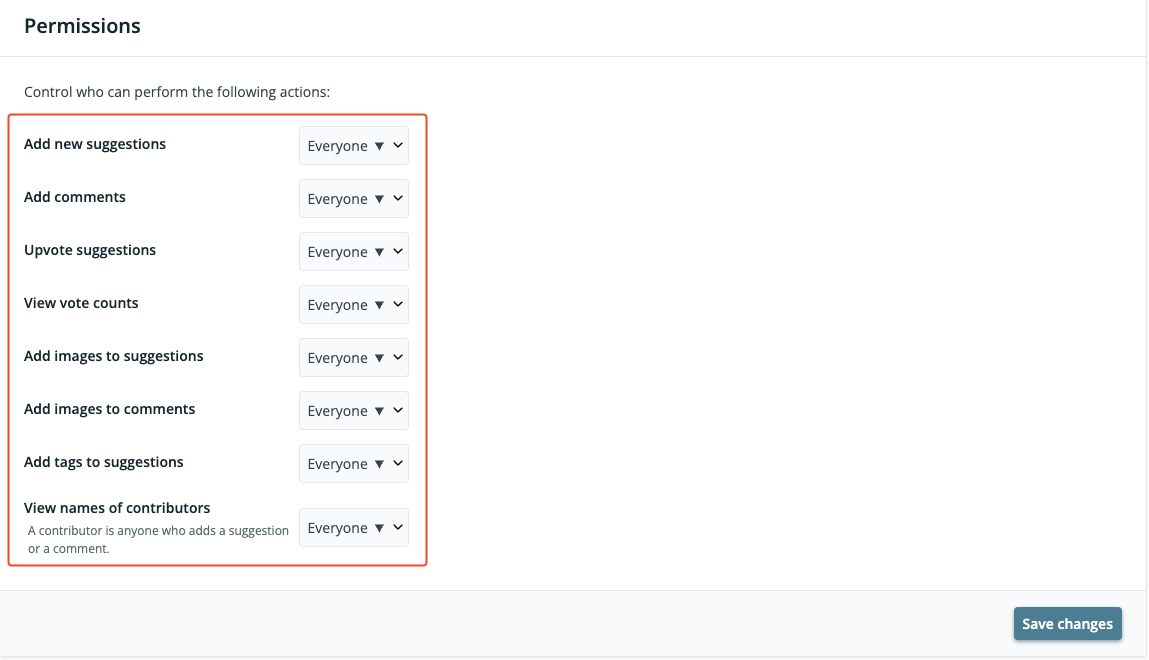
Select ‘Save changes’.