Editing and commenting on suggestions
Introduction
Section titled “Introduction”We make it easy for you to edit and comment on suggestions.
You might want to do this because:
- You want to explain the official position on a suggestion
- There are grammatical or spelling errors
- The suggestion is useful but the language makes it hard to understand
How you can post an official response
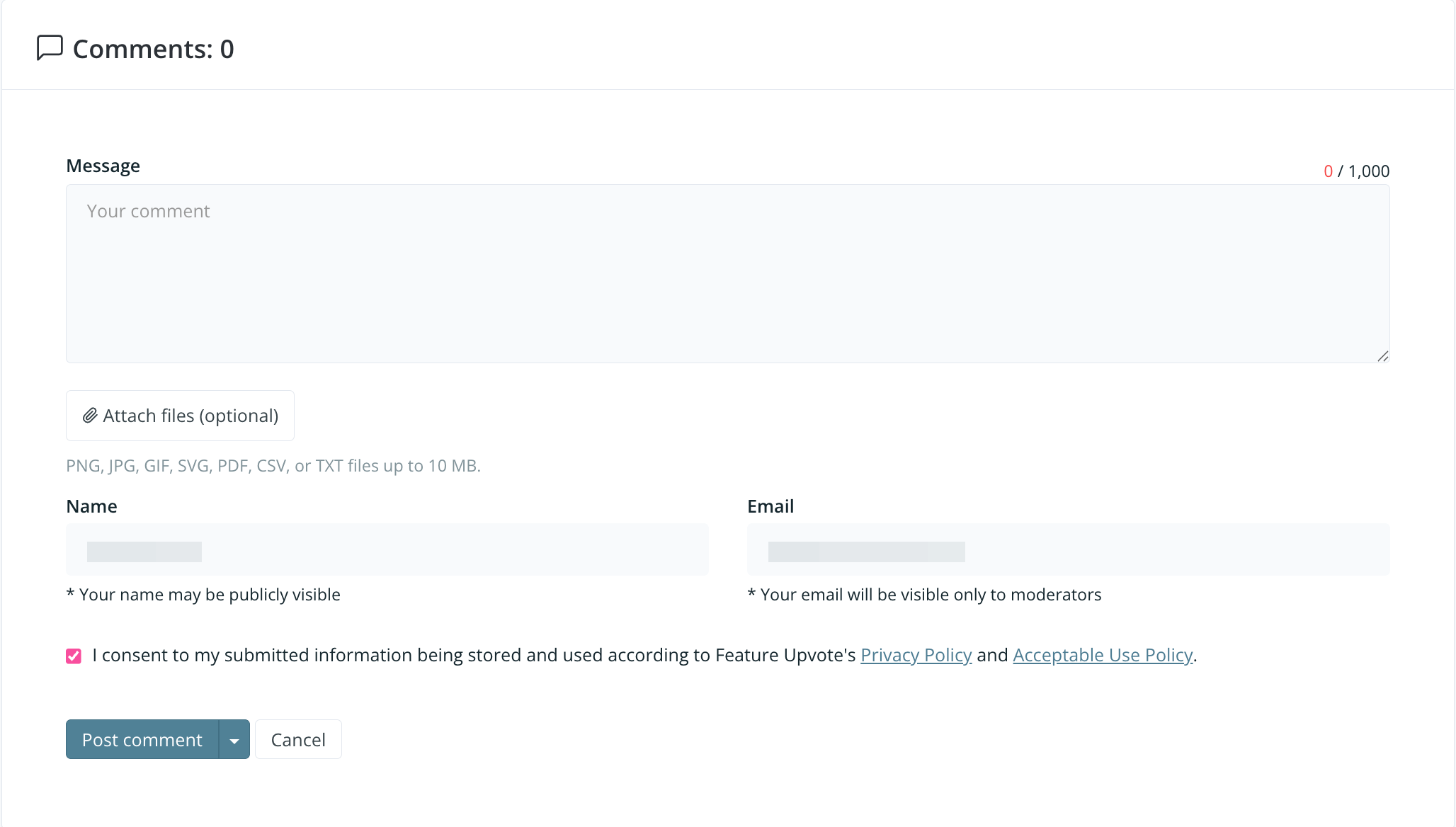
Section titled “How you can post an official response”Simply select ‘comment’ and your response will be tagged as ‘admin’.
How to add screenshots and other images
Section titled “How to add screenshots and other images”You can allow users to add screenshots and other images by Controlling who can post and vote using permissions.
Moderators can remove inappropriate images by editing the comment.
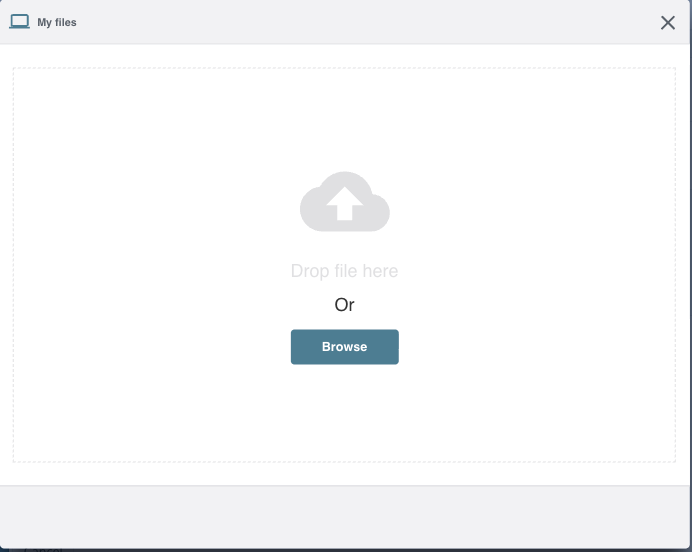
When you click on ‘Attach file’ you’ll see this screen.
How you can edit a suggestion
Section titled “How you can edit a suggestion”You might want to edit a suggestion to make it easier to understand, to correct grammar or spelling mistakes, or to soften the language used.
Choose the comment and then select ‘edit’.